Getting started
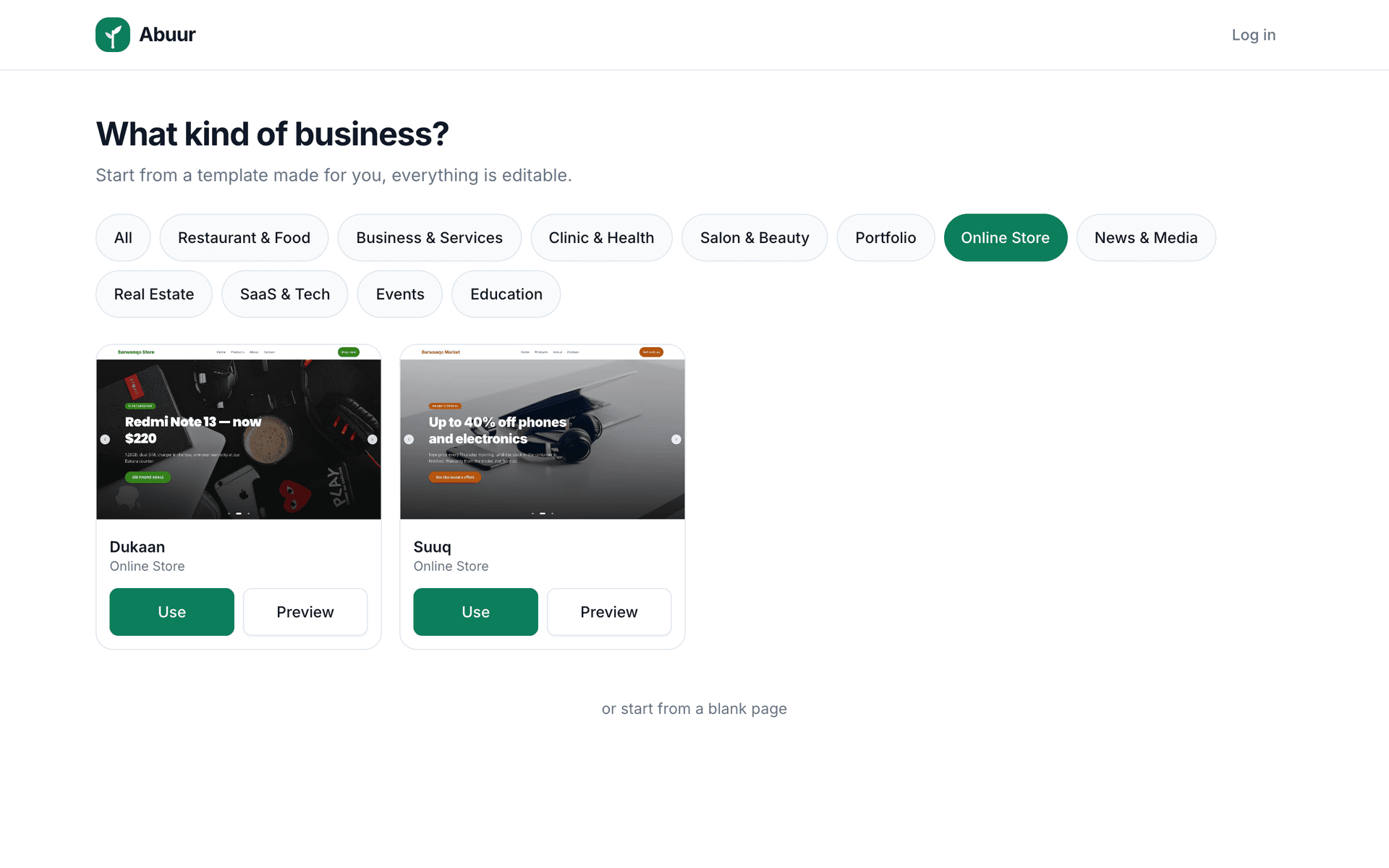
Pick the right template
Updated 2026-08-27
Template-ku waa bog diyaar u ah ganacsigaaga, dooro mid la mid ah nooca ganacsi aad haysato, kadibna beddel wixii rabto.
A template is a complete, professional website that has already been designed and filled in with realistic content for your industry. Instead of starting from a blank page, you start from something that already looks finished.
Every word and picture in a template is a placeholder. Change all of it. The template only decides how things are arranged, you decide what they say.
- 1Open the template picker and browse by industry, restaurants, shops, clinics, salons, real estate, schools, services and personal portfolios.
- 2Press Preview on any template to walk through it like a customer would.
- 3Choose the closest match to your business, not the prettiest one, the most useful layout for what you sell.
- 4Start editing. Replace the placeholder name, photos, prices and phone number first.
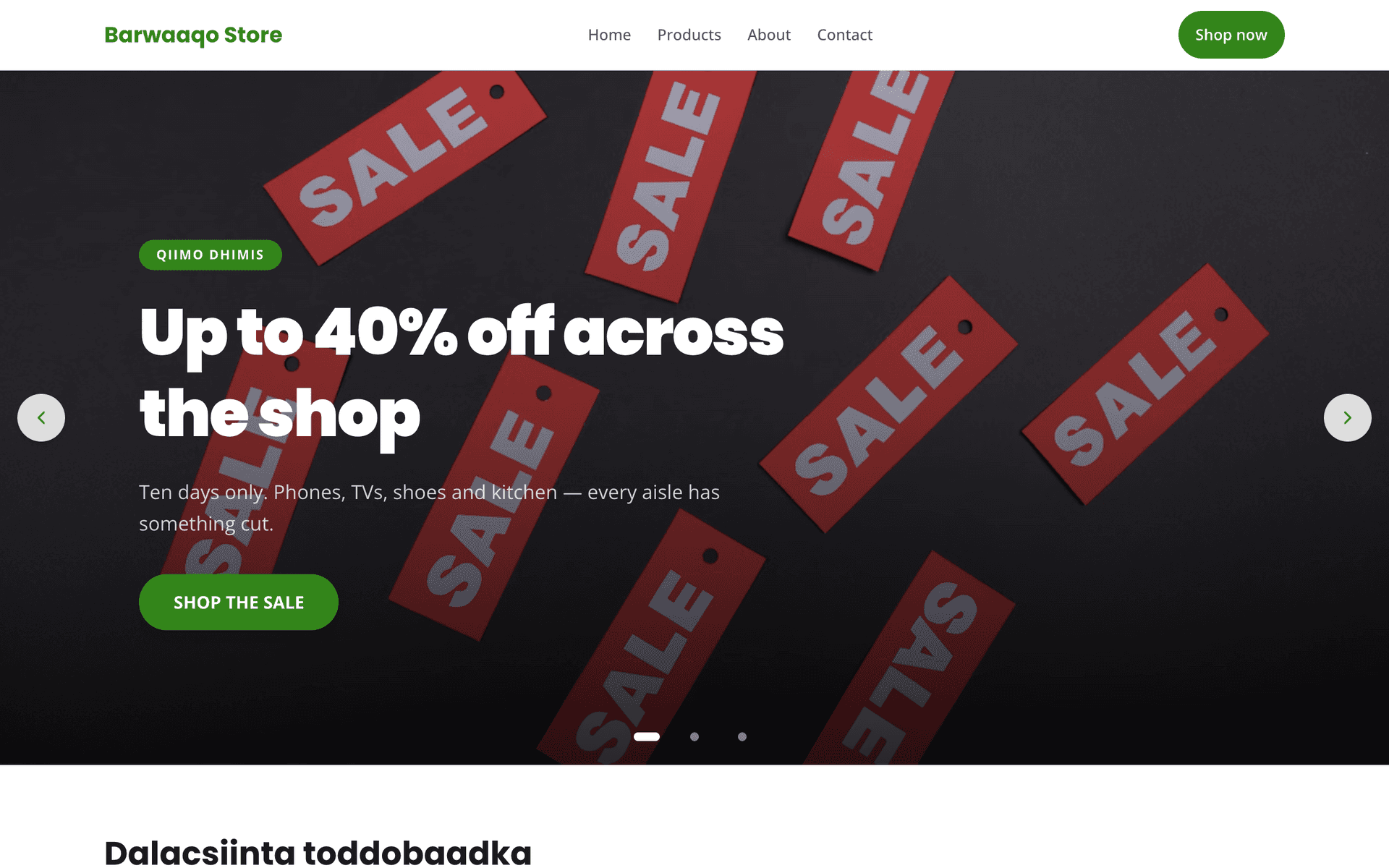
You can switch a section's style later without losing its content, and you can add sections from other layouts. Picking a template is not a lock-in decision.