Getting started
Try Abuur without an account
Updated 2026-08-27
Wax kasta waad tijaabin kartaa adigoon akoon samayn, shaqadaada waxay ku kaydsan tahay biraawsarkaaga ilaa aad diyaar u tahay inaad daabacdo.
We would rather you see the product than read about it. You can open the full editor, pick any template and build a complete site before creating an account. Nothing is locked during the trial.
While you build without an account, your site is saved privately inside your own browser. You can close the tab and come back later on the same phone or computer, and your work will still be there.
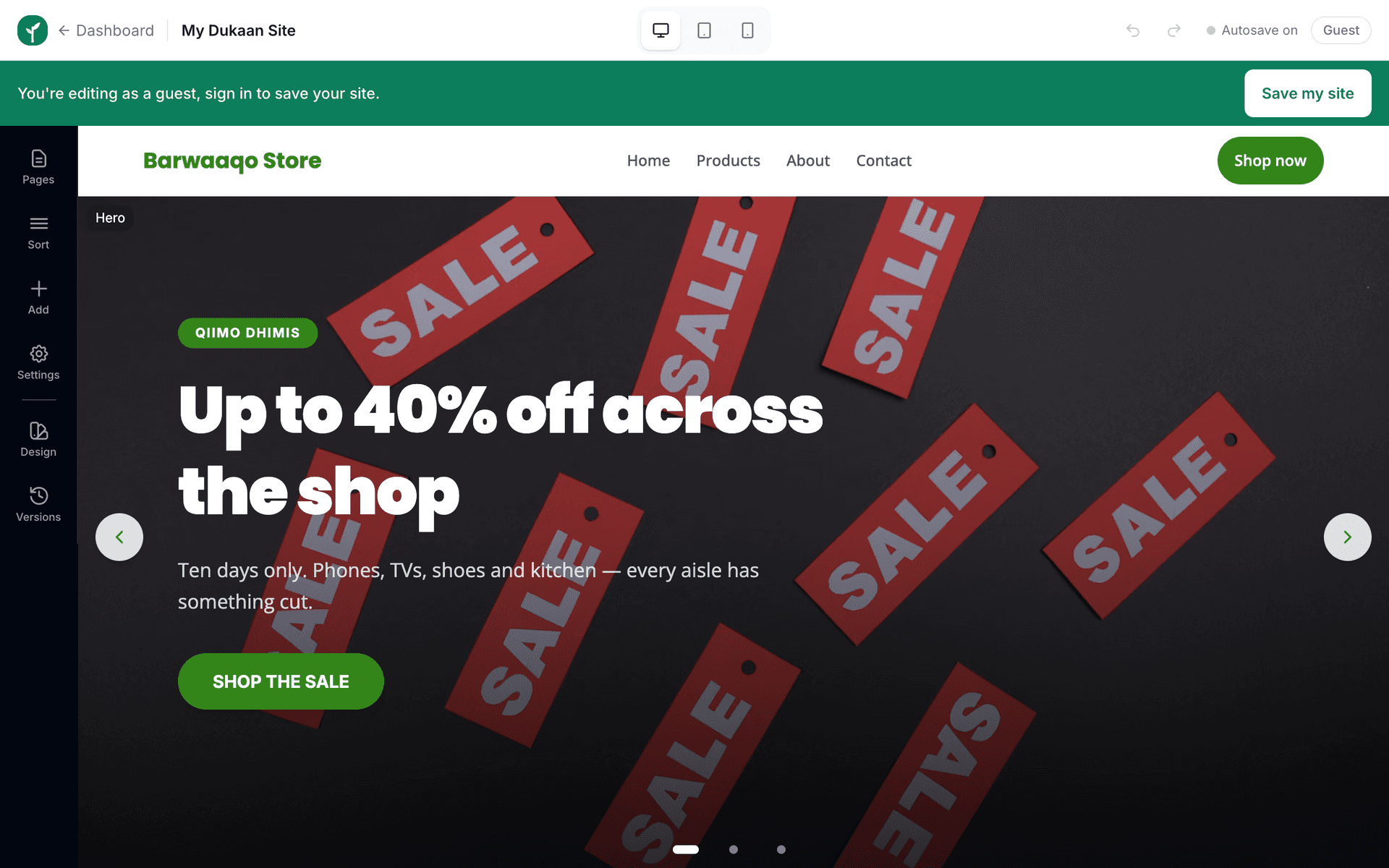
Browser-stored drafts live only on that device. If you clear your browser data, use private browsing, or switch phones, the draft is gone. Once you are serious about the site, create your account so everything is stored safely.
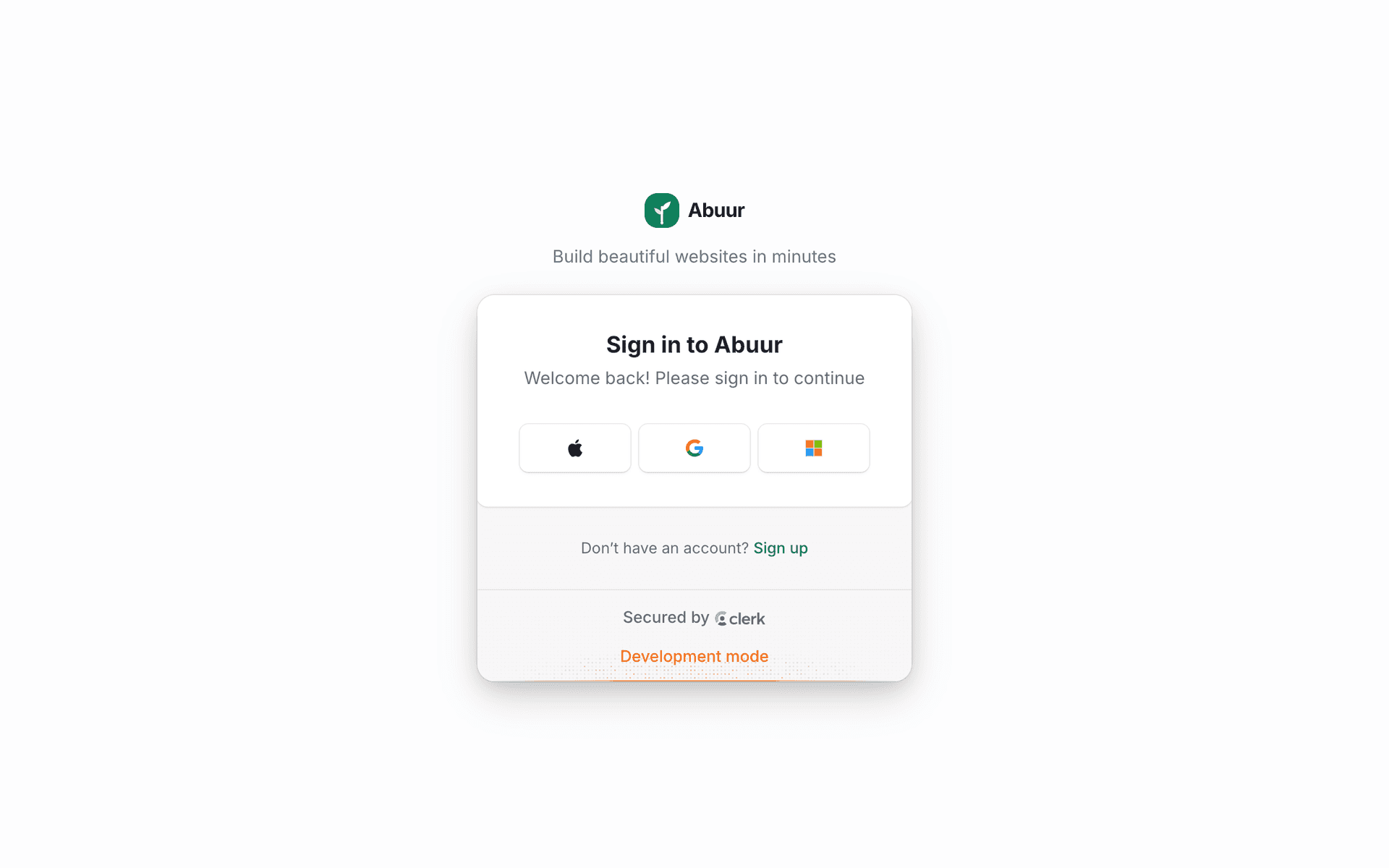
The moment you press Publish, we ask you to create an account. Your draft moves into that account automatically, you do not have to rebuild anything.
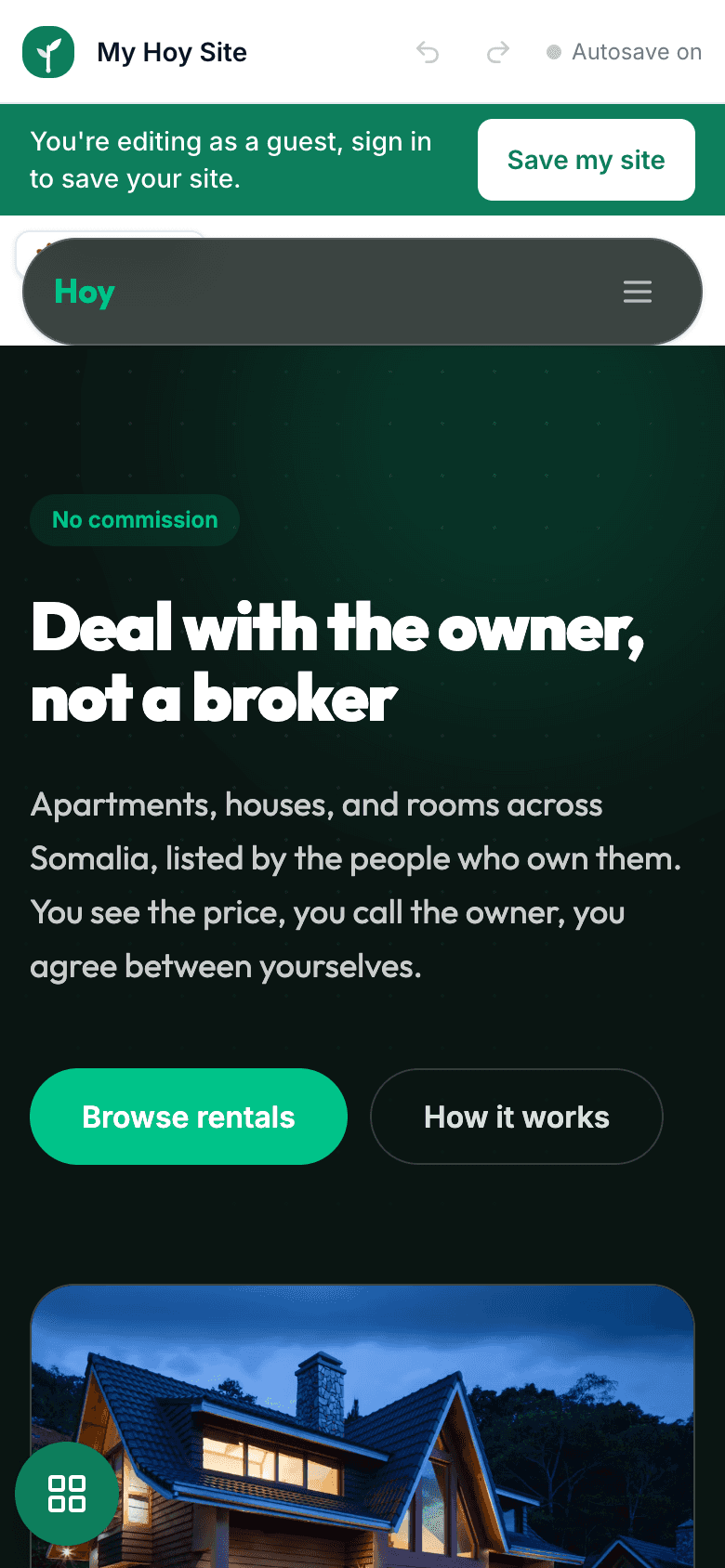
Building on your phone? That works too. The editor is designed for a small screen first, so you can draft a site during a quiet moment at the counter and finish it later on a computer.