Publishing & sharing
Publish your site
Updated 2026-08-27
Guji Publish ee xagga korka, markii ugu horreysay akoon iyo lacag bixin ayaa la weydiinaya, marka xigta-na toos bay u bilaabantaa.
Publishing copies your saved work onto your public address so customers can visit it. Until you publish, or republish after changes, the world sees nothing.
- 1Finish editing and check the preview looks right on a phone-sized screen.
- 2Press Publish at the top of the editor.
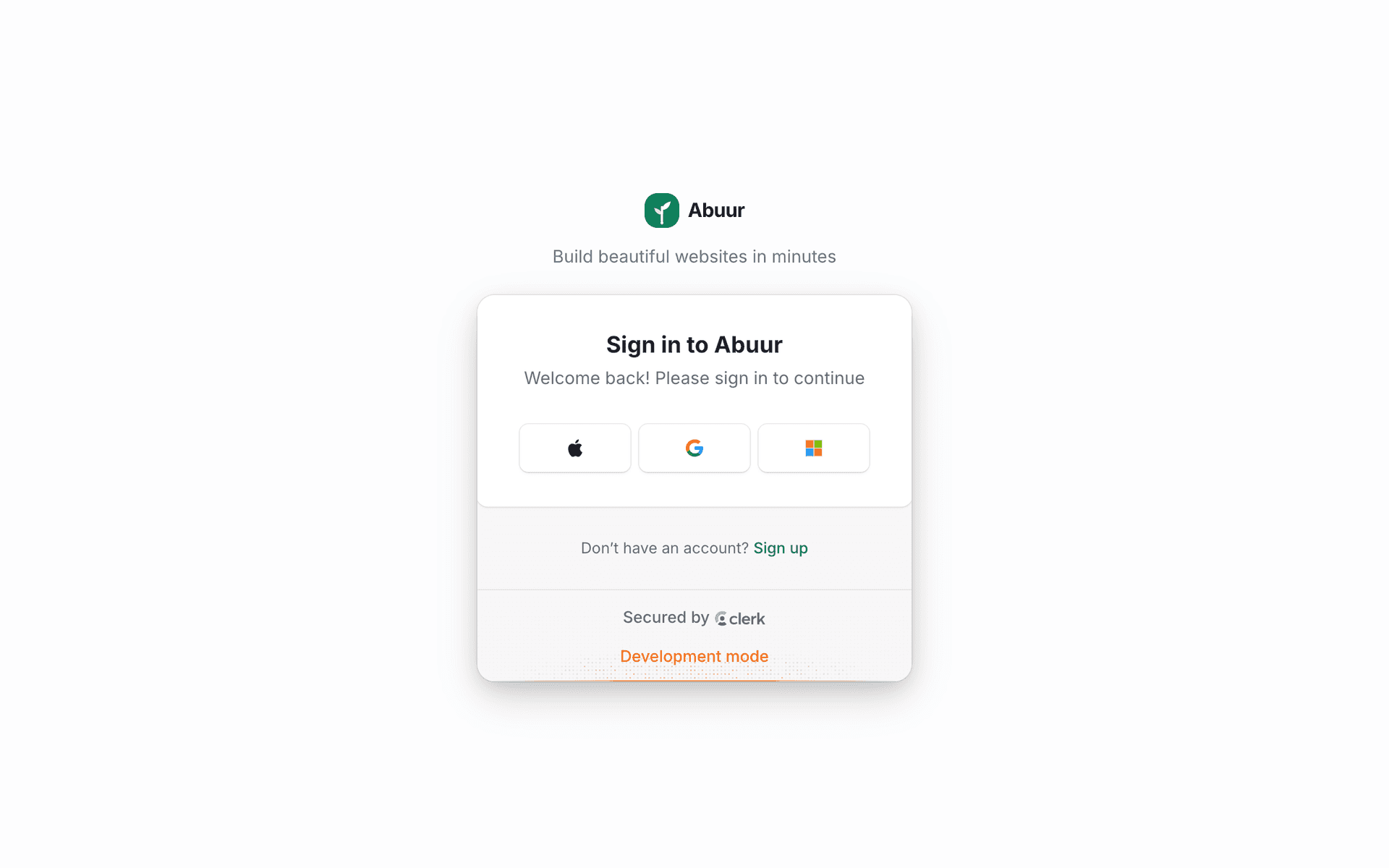
- 3First time only: you are asked to create an account and activate the plan. Your draft carries over automatically.
- 4Choose or claim your domain when prompted.
- 5Done, your address goes live. Republishing after future edits is instant and needs no payment again.
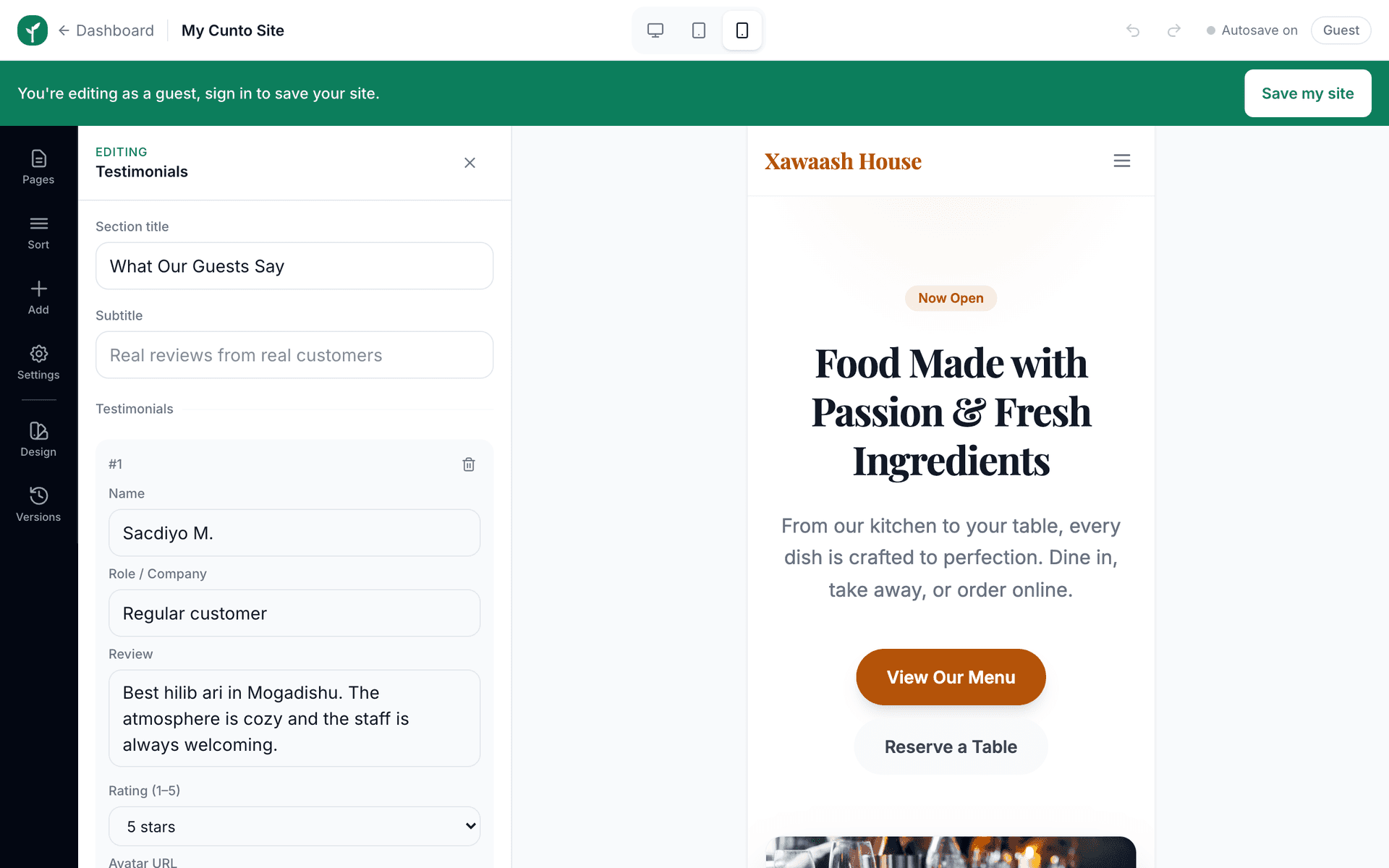

Publish again after meaningful edits, new opening hours, new prices, new photos. Saved-but-unpublished changes are invisible to customers.
Publishing does not take your site down while it works, and it does not change your address. Customers who have the link bookmarked keep using the same one, they simply see the new version.