Publishing & sharing
Share your site on WhatsApp
Updated 2026-08-27
Linkiga boggaaga nuqul ka samee, kadib ku soo dir WhatsApp, status, kooxo, iyo profile-ka ganacsiga.
For most Somali businesses, WhatsApp is where customers actually are. Your site link travels perfectly through statuses, groups and direct chats.
- 1Copy your site address after publishing, it is shown on the success screen and lives in your dashboard under Domains.
- 2Paste it into a chat, group or status update with a short line: what you sell and why to look now.
- 3On WhatsApp Business, add the link to your business profile so every visitor sees it.
- 4Pin your best photo posts with the link in your status so latecomers still find it.
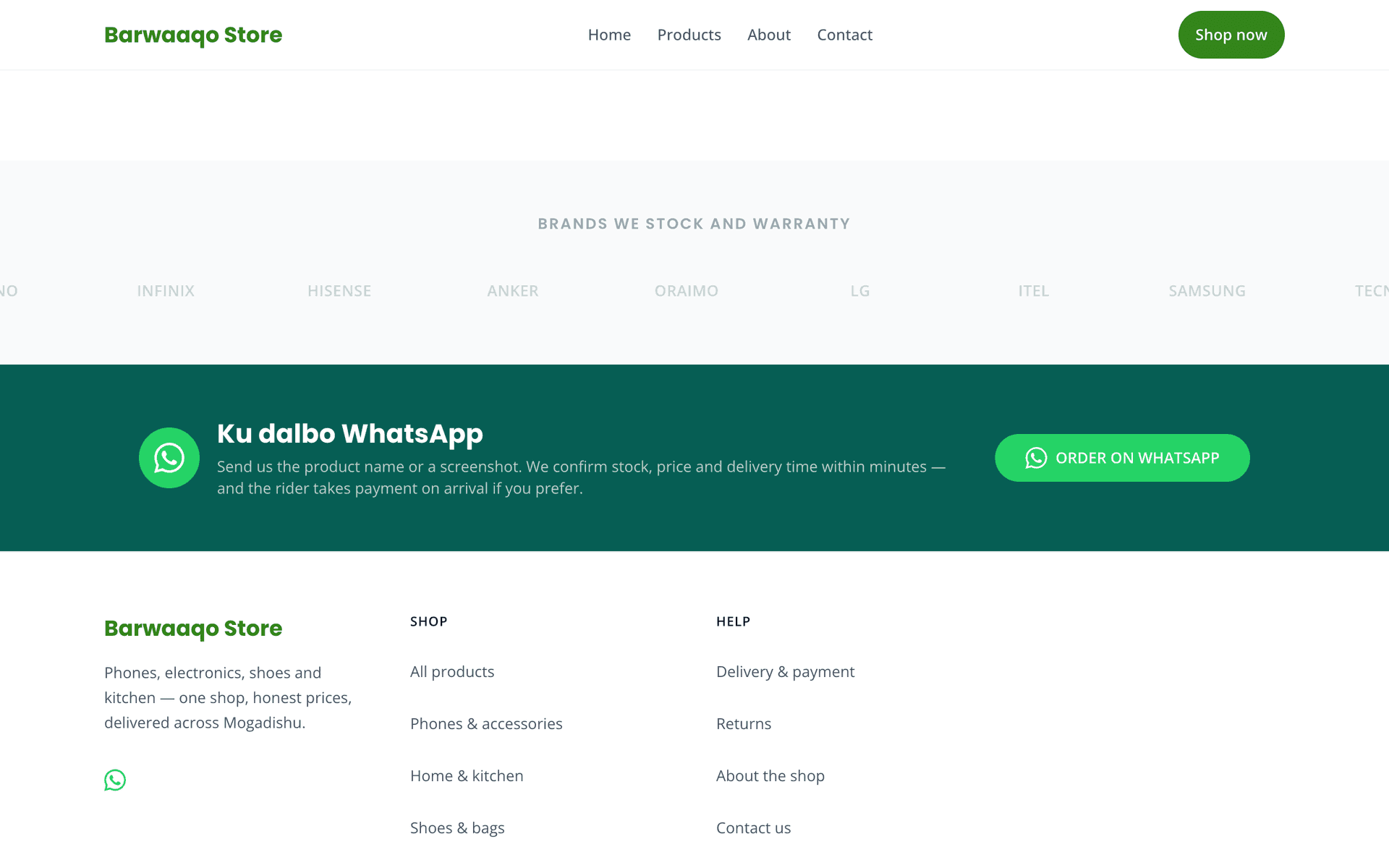
Announce the launch twice: once the day you publish, and once a week later with a photo of something new. Second announcements catch everyone who missed the first.
Always share your real domain, never a screenshot of the site. A screenshot cannot be clicked, cannot be found again, and cannot rank anywhere.
When a customer messages asking about prices or opening hours, answer briefly and add your link underneath. Each chat becomes a visit, and visits become orders.