Editor basics
Change text and pictures
Updated 2026-08-27
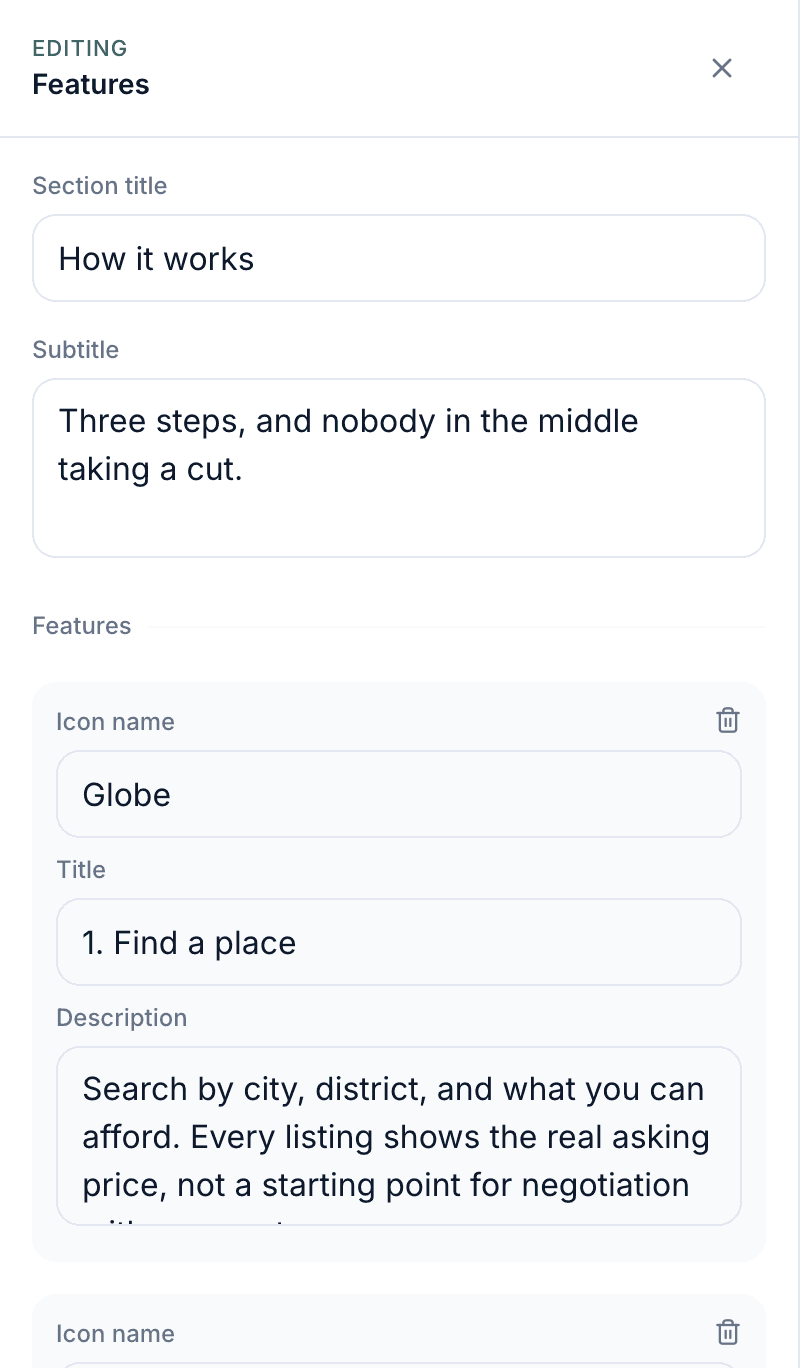
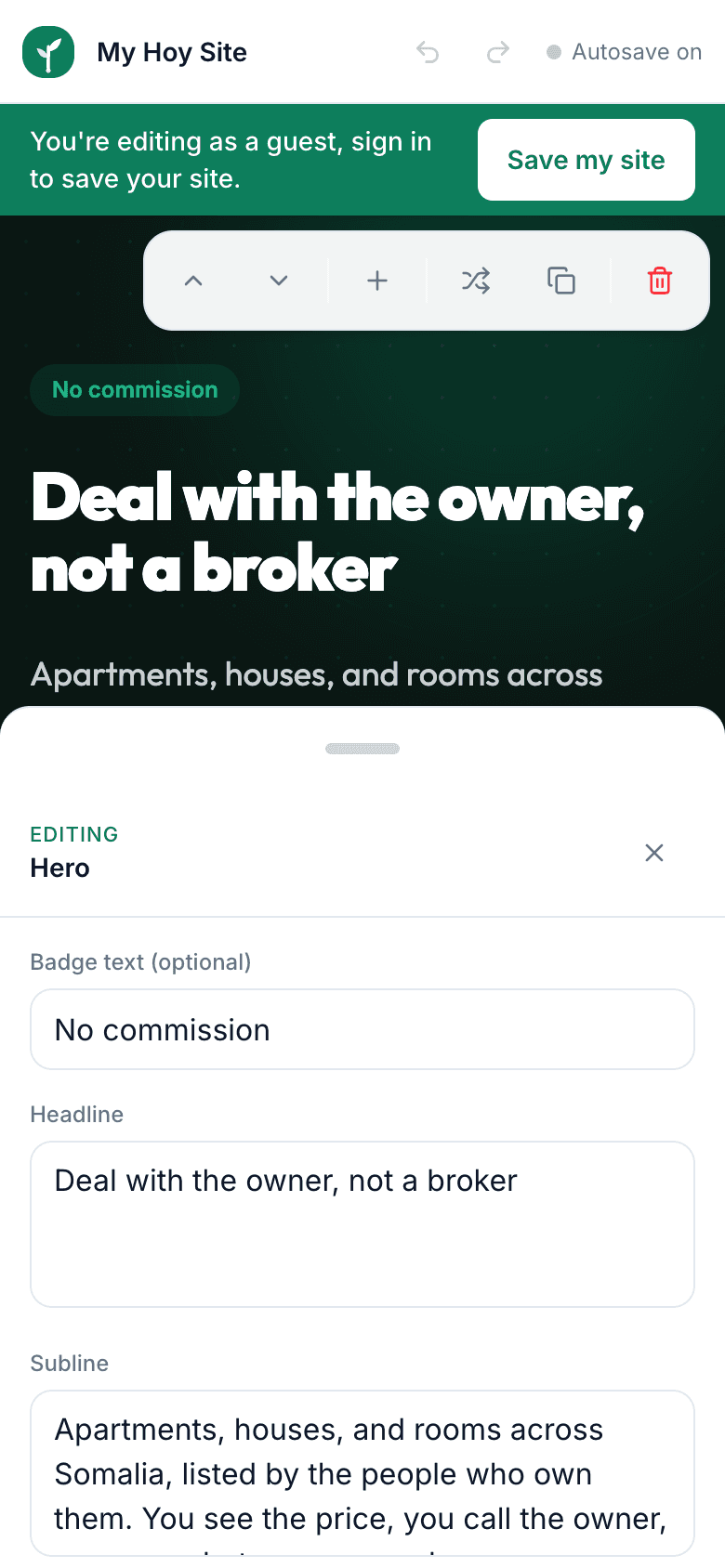
Guji qayb kasta oo bogga ah, foom furan ayaa imanaya, qor qoraalka cusub, dooro sawirka, isbeddeladu way isla markiiba muuqdaan.
Everything on your site is edited through simple forms. There is no dragging, no code and no settings buried in menus.
- 1In the editor, click the section you want to change, the hero banner, a service card, the contact block.
- 2A panel opens beside the page on a computer, or slides up from the bottom on a phone.
- 3Each field matches something you can see: Title, Description, Button text, Picture and so on.
- 4Type your new words or tap the picture field to upload a photo from your device.
- 5The page preview updates while you type. Close the panel when you are done.
Use real photos of your shop, food or work if you can. Sites with genuine pictures win customers' trust far more than stock images.
Keep your phone number exactly as customers should dial it, and double-check prices before publishing. Typos in numbers are the most common mistake we see.