Editor basics
Add and manage pages
Updated 2026-08-27
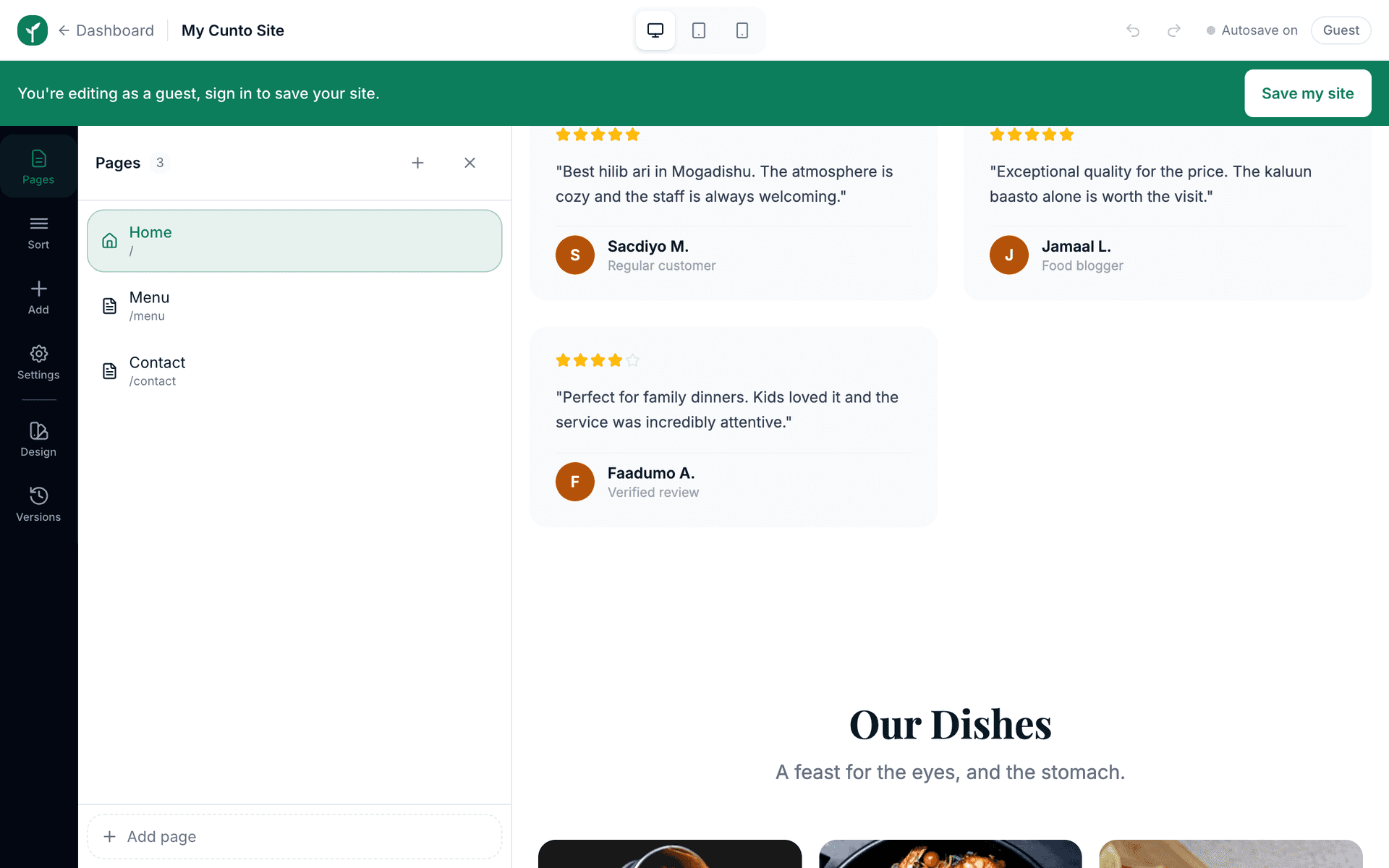
Boggaaga waxaad ku dari kartaa bogaggo dheeraad ah, Nagu saabsan, Contact, Alaabta iyo wm, liska bidix kaga maamul.
One long home page is enough for many businesses. But if you have a lot to show, menus, listings, articles, staff, separate pages keep things tidy.
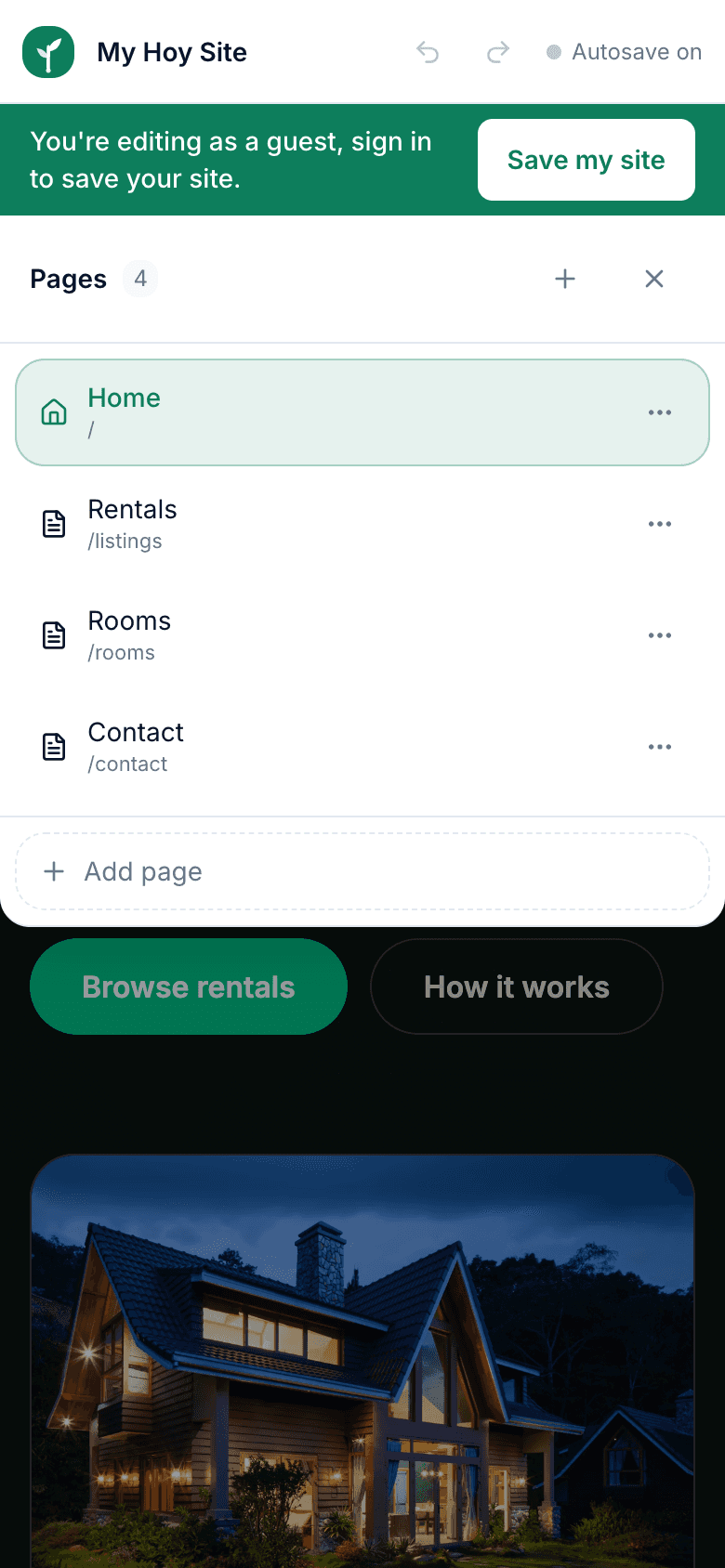
- 1Open the pages list in the left panel of the editor.
- 2Press Add Page and choose a type: Home, About, Contact, Listings, Blog, or a blank custom page.
- 3Each new page arrives with sensible starter sections for its type, so it never looks empty.
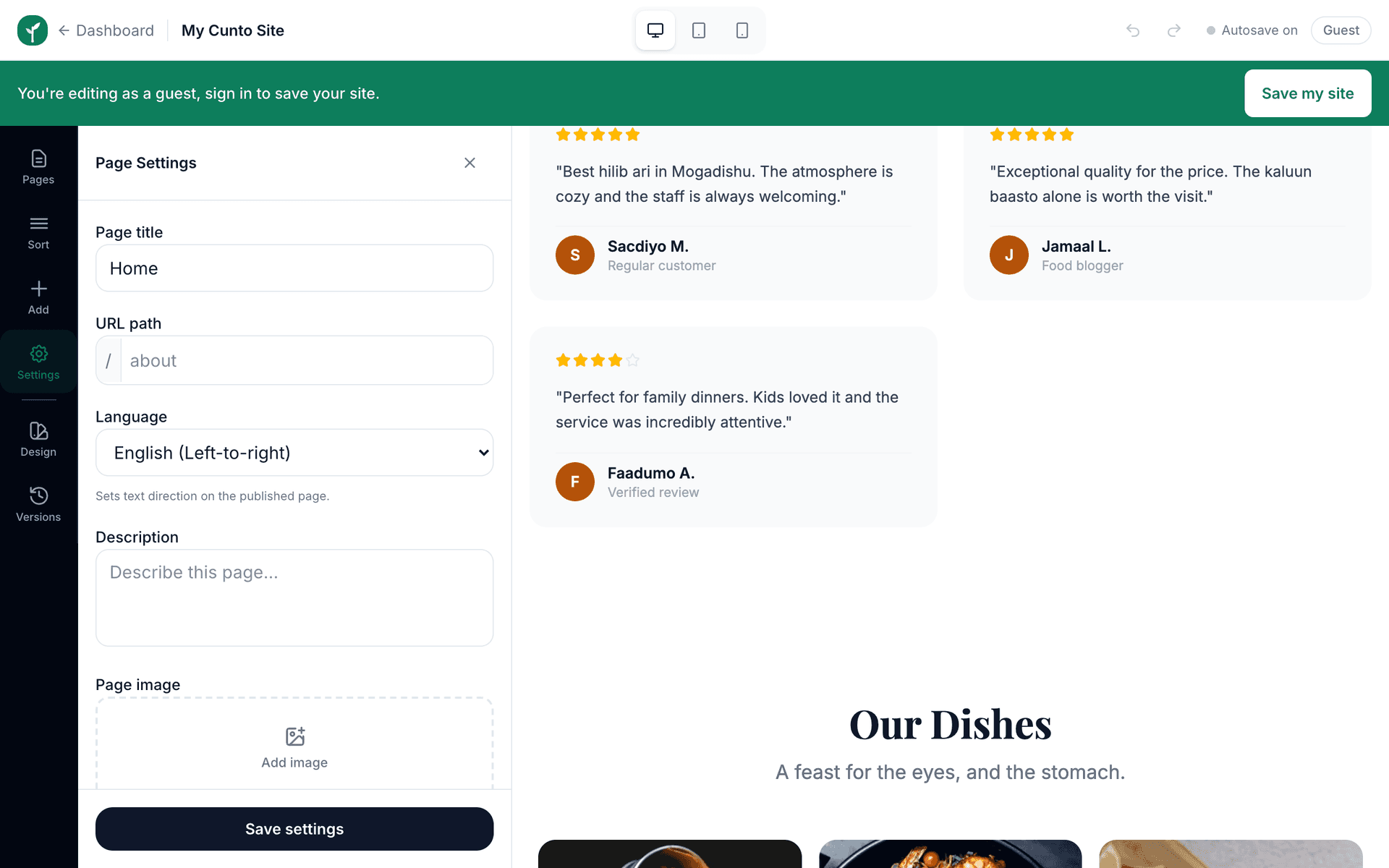
- 4Rename a page to change both its name in the menu and its address, such as yoursite.com/menu.
- 5Delete pages you do not need. Deleting a page does not delete your other pages.
Every page should be reachable from the navigation bar. If you add a page and customers cannot find a link to it, it may as well not exist.
Not sure how many pages you need? Start with Home and Contact only. Add a page when you catch yourself cramming a different topic into the bottom of the home page, that is the signal it deserves its own address.